

Students iCON Account
Students iCON Account
Students’ iCON
To facilitate collaboration, teaching and learning between teachers and children, children will be provided with a student MOE iCON (Google) account which will allow access to common G Suite Services, Zoom, and Microsoft Pro Plus (Word, Excel, Powerpoint, OneNote, Publisher). Children will be using the same account throughout their primary and secondary education.
CCPS will be rolling out Student iCON progressively.
Student iCON Website: https://workspace.google.com/dashboard
Email: @students.edu.sg
Password: MIMS Password
Note:
Use a web browser (e.g. Chrome) on your computer or mobile devices when accessing MOE iCON account.
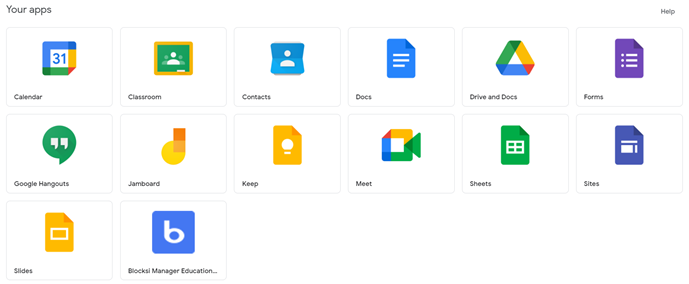
G Suite Applications Available for Primary 1 to 3 (Email is disabled)
G Suite Applications Available for Primary 4 to 6 (Email is enabled with limitations * )
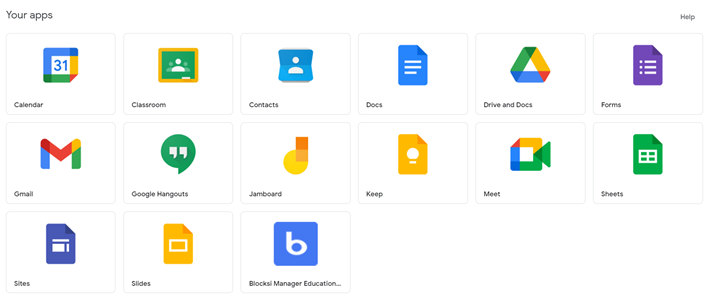
* Students can only send to and receive emails from official MOE email addresses (@students.edu.sg; @moe.gov.sg; @moe.edu.sg; @schools.gov.sg)
For technical assistance, you may
- Approach your teachers
- Contact Ms Rin (ICT Manager) via the school-based helpline at 68441418
Please assist to provide your child’s full name and form class.
For device or broadband support, parents can refer to IMDA NEU PC Plus programme, or contact the school for advice.